
Every source in one place
Open recordings, demos, lectures, and web videos from a single view.
OpenBrief turns long videos, audio, and recordings into clear briefs—without the busywork. Import a source, get a transcript, ask questions that stay grounded in what was said, and export only the notes you need.
Perfect for research calls, lectures, product demos, interviews, and screen recordings you need to remember long after they end.
The desktop app is free—no paid plan, no trial clock.
Open the app and start summarizing. No account needed.
Your files and everything OpenBrief generates stay on your machine.
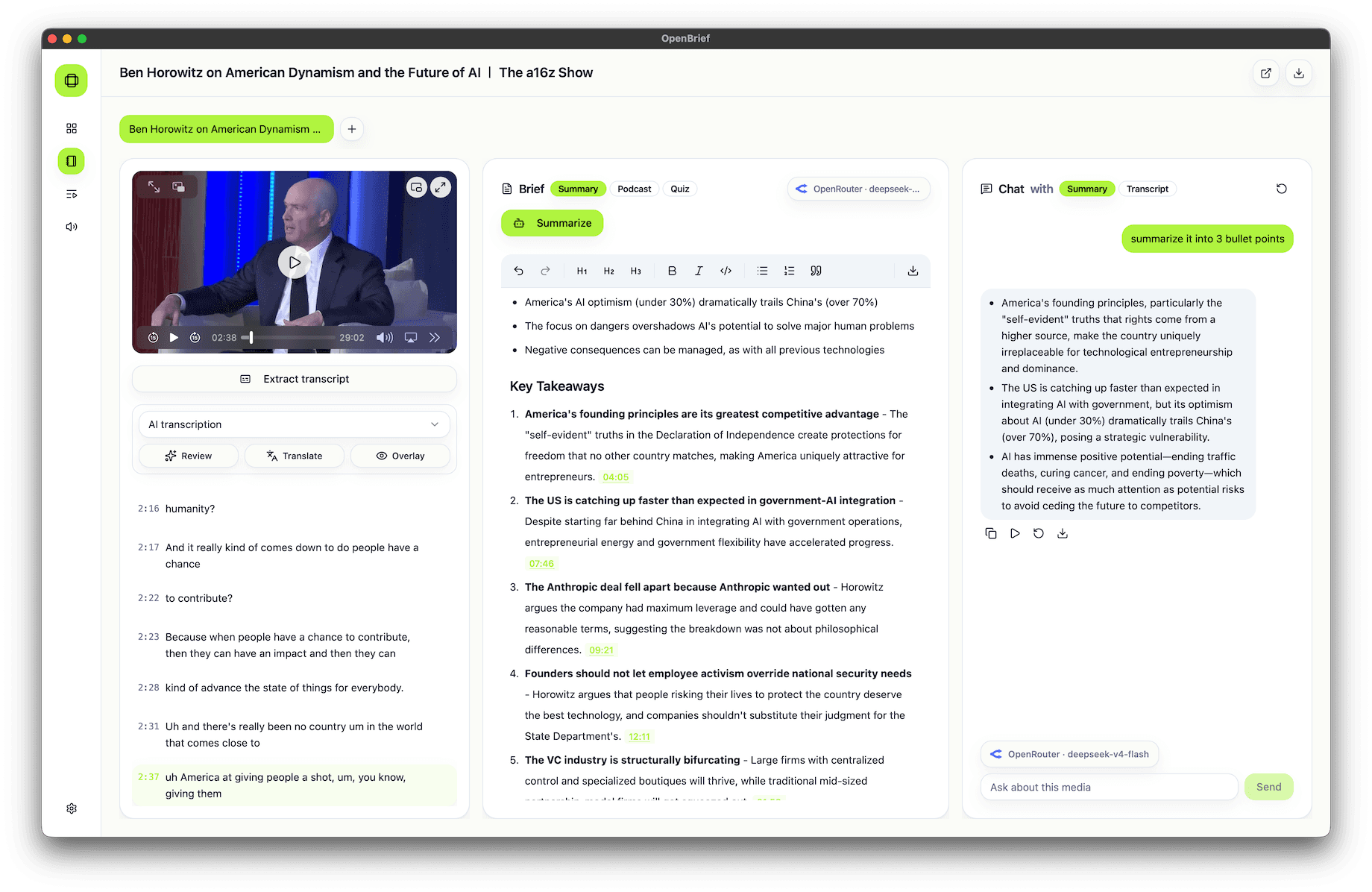
Source, transcript, summary, chat, and export all live together—so a quick recap never turns into a mess of tabs and scattered notes.
Open recordings, demos, lectures, and web videos from a single view.
OpenBrief uses existing captions when they're there, and only transcribes when it has to.
Ask a question and get an answer tied straight back to the transcript—no guessing.
Send summaries, decisions, timestamps, and notes to a clean file you can take anywhere.
Your files and generated notes never leave your device.
Download the app and start summarizing—no sign-up, no login.
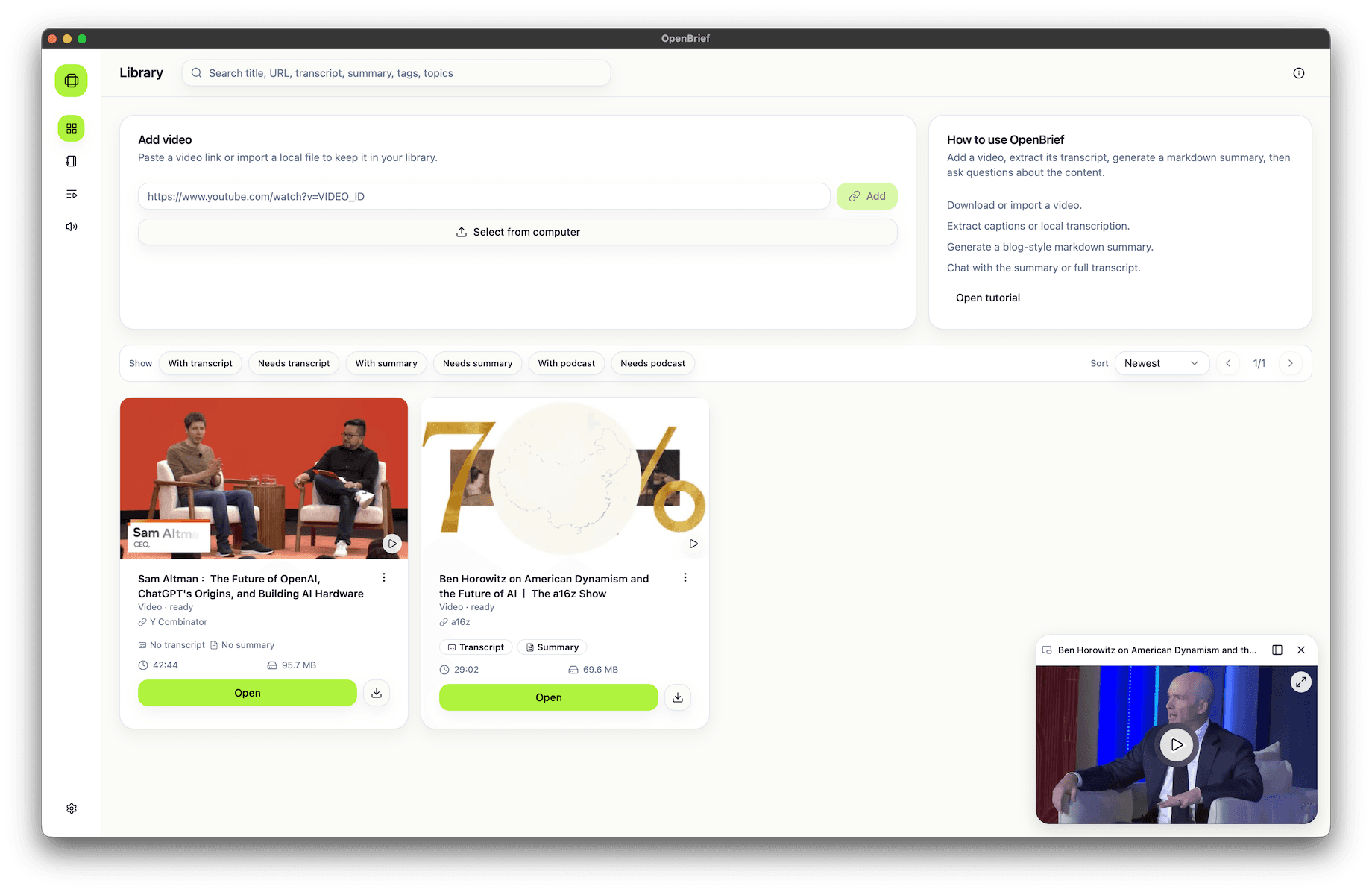
Start in your library, then open a source the moment you're ready to transcribe, summarize, and chat with it.
Add a local file or a supported web link, keep every source detail attached, and line up a clean queue before you dig in.
Generate a transcript, write a focused summary, and ask grounded questions from the same workspace.
Install the app, bring your own provider keys, and keep every transcript, summary, and exported note under your control.